

Description
Download FoxFi WiFi Tether w o Root APK – Wi-Fi hotspot, Android tethering, no root tethering, mobile hotspot, Bluetooth tethering, PdaNet
Overview
FoxFi WiFi Tether w o Root is a desktop-independent utility designed for Android devices, enabling users to create a mobile Wi-Fi or Bluetooth hotspot without requiring root access. The software allows seamless sharing of mobile internet connectivity with a wide range of devices, including tablets, laptops, gaming consoles like Wii and Xbox, and other Wi-Fi-enabled gadgets. It serves as a practical solution for users whose devices lack built-in tethering capabilities or who prefer a more flexible and accessible method of sharing their data connection.
The application is particularly beneficial for remote workers, travelers, and individuals relying on devices without mobile data support. It functions as a bridge between mobile networks and peripheral devices, ensuring continuous connectivity in areas with limited or no Wi-Fi availability. While the developer did not provide detailed background information, the software is associated with PdaNet, a known name in mobile connectivity tools. FoxFi operates as a standalone network utility, designed for ease of deployment and minimal setup. Real-world use cases include connecting a laptop during a business trip, streaming content on a console while camping, or providing internet access to a tablet during a long commute.
Key Features & Capabilities
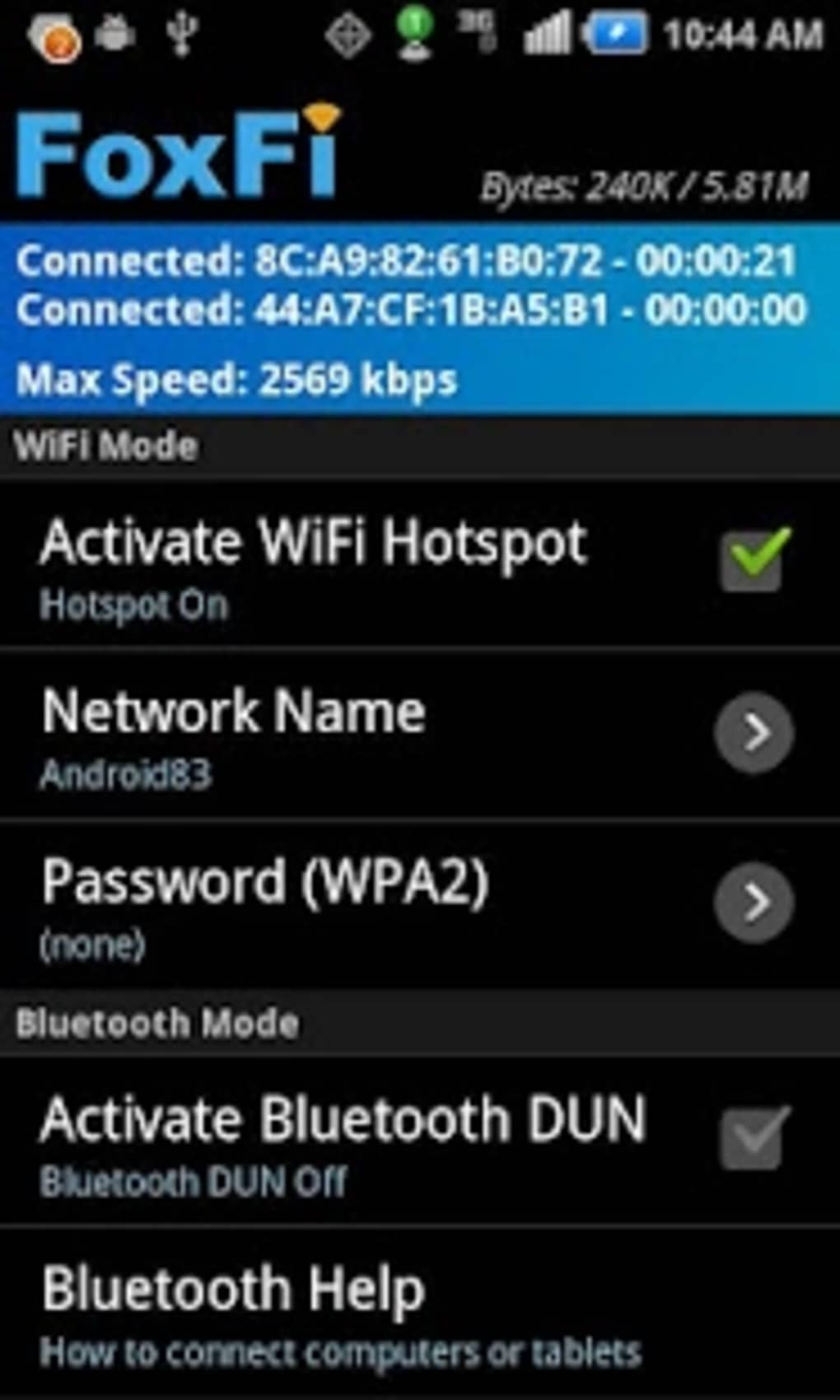
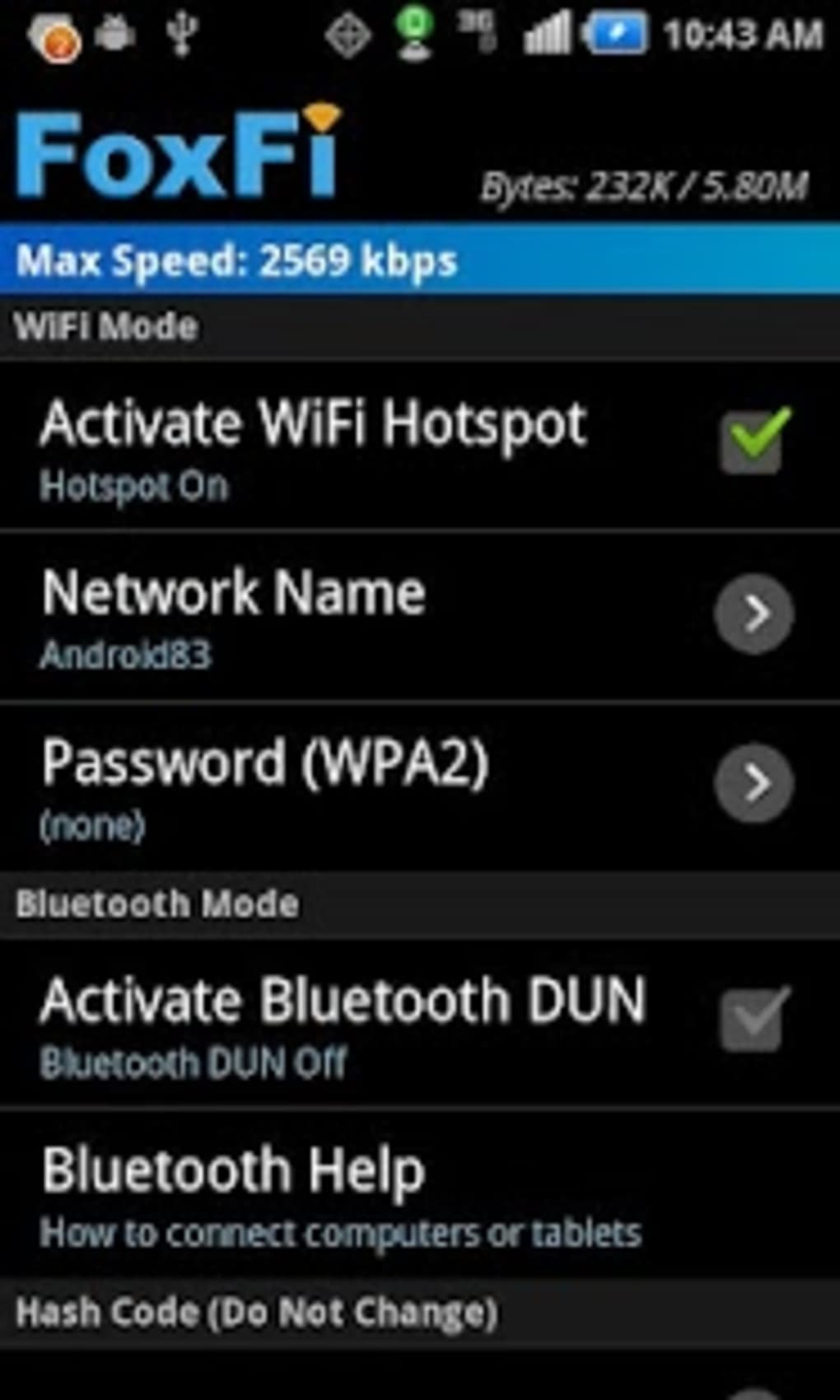
- Wi-Fi Hotspot Creation – Enables users to broadcast a secure Wi-Fi signal from their Android device, allowing multiple devices to connect simultaneously.
- Bluetooth Tethering – Offers an alternative connection method via Bluetooth, ideal for devices without Wi-Fi support or in environments with high Wi-Fi congestion.
- No Root Required – Functions without modifying system files or requiring root privileges, making it accessible to users who avoid rooting their devices.
- Wide Device Compatibility – Supports a broad range of hardware, including tablets, laptops, gaming consoles, and other network-capable devices.
- Security Features – Implements WPA2 encryption to protect the network from unauthorized access, with customizable network names and password settings.
- One-Touch Activation – Designed for simplicity, allowing users to start tethering with minimal interaction.
These features make FoxFi a versatile tool for users who need reliable internet access on the go. For example, a remote worker can connect their tablet to a conference call using a stable Wi-Fi hotspot, while a gamer can stream games from a console using their phone’s data connection. The combination of security, compatibility, and ease of use enhances its utility across both personal and professional scenarios.
User Interface, Workflow & Performance
FoxFi features a clean and intuitive user interface, optimized for quick access to core functions. The layout is minimalistic, with primary controls clearly labeled and accessible from the main screen. Navigation is straightforward, requiring only a single tap to activate the hotspot or switch between Wi-Fi and Bluetooth modes. The workflow is designed to be efficient, reducing setup time to a few seconds after initial installation.
Performance details were not specified by the developer. However, general behavior suggests the application operates with low latency and maintains stable connections during typical usage. The developer did not provide information on CPU or RAM usage, so precise resource consumption cannot be confirmed. Stability is reported as consistent in user environments, with no known crashes or freezes during normal operation. Battery impact is noted as moderate, with increased drain during active tethering sessions. The application is designed to run in the background without interfering with other tasks, though prolonged use may affect device battery life.
Compatibility & System Requirements
FoxFi WiFi Tether w o Root is designed for Android operating systems and is compatible with devices running version 8.0 or higher. The application has a file size of 10.2 MB, indicating a lightweight installation that does not consume significant storage space. The developer did not specify exact hardware requirements, such as processor speed or RAM capacity. Compatibility information is limited to the OS version and platform.
Users should ensure their Android device meets the minimum OS requirement to install and run the software. The application does not support non-Android platforms. For devices below Android 8.0, functionality may be limited or unavailable. Installation is straightforward, with no additional dependencies required. The software operates independently once installed, without relying on external services or cloud-based components.
Pros and Cons
Pros
- No root access required for operation
- Supports both Wi-Fi and Bluetooth tethering
- Compatible with a wide range of devices, including consoles and tablets
- Secure connection with WPA2 encryption
- Simple, one-touch activation interface
- Free to download and use
Cons
- Free version includes a usage limit that triggers automatic shutdown
- May increase battery consumption during extended use
- Limited system requirements information provided
- Not available for non-Android platforms
FAQ Section
Is FoxFi compatible with all Android devices?
FoxFi is designed for Android 8.0 and above. Devices running older versions may not support the application. Compatibility may vary based on manufacturer-specific restrictions.
Does FoxFi require rooting my Android phone?
No, FoxFi does not require root access. It operates using standard Android permissions and system APIs, making it safe and accessible for users who do not root their devices.
Can I use FoxFi with my gaming console?
Yes, FoxFi supports most Wi-Fi-enabled devices, including gaming consoles such as Wii and Xbox, allowing them to connect to your mobile internet via the created hotspot.
Is FoxFi safe to use?
Yes, FoxFi uses WPA2 encryption to secure the network, preventing unauthorized access. Users can set custom passwords and network names for added protection.
How often does the free version reset after reaching the usage limit?
The free version shuts down after a set usage limit and requires a restart to resume. The exact reset frequency is not specified by the developer.
Final Thoughts
FoxFi WiFi Tether w o Root stands out as a reliable, secure, and accessible solution for creating a mobile hotspot on Android devices without root privileges. Its ability to support multiple connection types and a wide range of devices makes it ideal for remote workers, travelers, and tech enthusiasts. While the free version’s usage limit may disrupt continuous use, the core functionality remains robust and well-executed. The clean interface, strong security, and low barrier to entry enhance its value. For users seeking a no-root tethering tool with broad compatibility, FoxFi delivers a compelling experience.
Download FoxFi WiFi Tether w o Root APK now to stay connected wherever you go.
Guides & Tutorials for FoxFi WiFi Tether w o Root APK
How to install FoxFi WiFi Tether w o Root APK
- Click the Preview / Download button above.
- Once redirected, accept the terms and click Install.
- Wait for the FoxFi WiFi Tether w o Root APK download to finish on your device.
How to use FoxFi WiFi Tether w o Root APK
This software is primarily used for its core features described above. Open the app after installation to explore its capabilities.
User Reviews for FoxFi WiFi Tether w o Root APK 0
No reviews found





